
LiftMaster Garage Door Opener Not Working? How to Fix It
Start Here: Is It the Opener, the Power, or the Door?
When a LiftMaster stops cooperating, the fix is usually a lot smaller than people fear. Before you assume the motor is dead, figure out which of three things you're actually dealing with: no power reaching the unit, a safety feature doing its job, or a mechanical part that's worn out. Those three buckets cover the vast majority of calls we take from Norwalk homeowners.
Here's the quick gut check. If nothing lights up and nothing hums, think power. If the motor runs but the door sits still, think mechanical. If the door reverses, blinks, or refuses to go one direction, think sensors or settings. Keep that framework in mind as you work through the rest of this, because it'll save you from replacing a $300 part when a $4 battery was the problem. One more thing worth saying up front: LiftMaster makes a lot of models, and the learn button color, the myQ features, and the menu buttons vary between them. When in doubt, pull the manual for your exact model number, which is printed on a sticker on the back or side of the motor head.
It Won't Respond at All (Check Power First)
A LiftMaster that's completely dead, no lights, no motor sound, no beep, is almost always a power problem, not a broken opener. Garage outlets get overlooked because they're up on the ceiling where nobody looks. Start there and work outward.
- Look at the light bulb or LED on the motor head. If it's off, the unit isn't getting power.
- Test the ceiling outlet by unplugging the opener and plugging in a phone charger or lamp. If that's dead too, the outlet is the issue.
- Check your breaker panel for a tripped garage breaker. Flip it fully off, then back on.
- If the outlet is a GFCI, or is fed by one, press the reset button. Garage and outdoor circuits trip GFCIs constantly after damp weather.
- Reseat the plug firmly. Vibration slowly works plugs loose over the years.
If power comes back and the opener wakes up, you're done. If the outlet is confirmed live and the unit is still dead, the logic board or transformer inside the head may have failed, and that's where you'd want a tech to look at opener repair rather than guessing at parts.
Planning a concrete project in Norwalk or the East Bay? Get a free, no-obligation on-site estimate and a written flat-rate price.
The Door Won't Close and the Opener Light Blinks
This is the single most common LiftMaster complaint, and it's almost never the opener. If you hit the button, the door starts down, then reverses back up, and the light on the motor head flashes (often ten times), that's the photo-eye safety sensors telling you they can't see each other. Federal law has required these since 1993, and LiftMaster wires them so the door physically cannot close when the beam is broken.
The two little sensors sit about six inches off the floor on each side of the door. One sends an infrared beam, the other receives it. Anything that blocks or misaligns that beam stops the close. Look for a stray broom, a trash can, a bike, or a cobweb sitting in the path. Then check the sensor eyes themselves: wipe the lenses clean, and look at the tiny indicator lights. On most LiftMaster units the sending sensor glows steady, and the receiving sensor glows steady only when it's aligned. If one is off or flickering, gently nudge the bracket until both lights are solid. Morning sun blasting directly into a west-facing sensor can also wash out the beam, which is a real thing in Norwalk driveways. We walk through the whole diagnosis in this guide to sensors that aren't working. If the lights won't stay solid no matter how you aim them, a wire may be pinched or a sensor may have failed, and that's a quick fix for a tech.
The Remote or Keypad Stopped Working
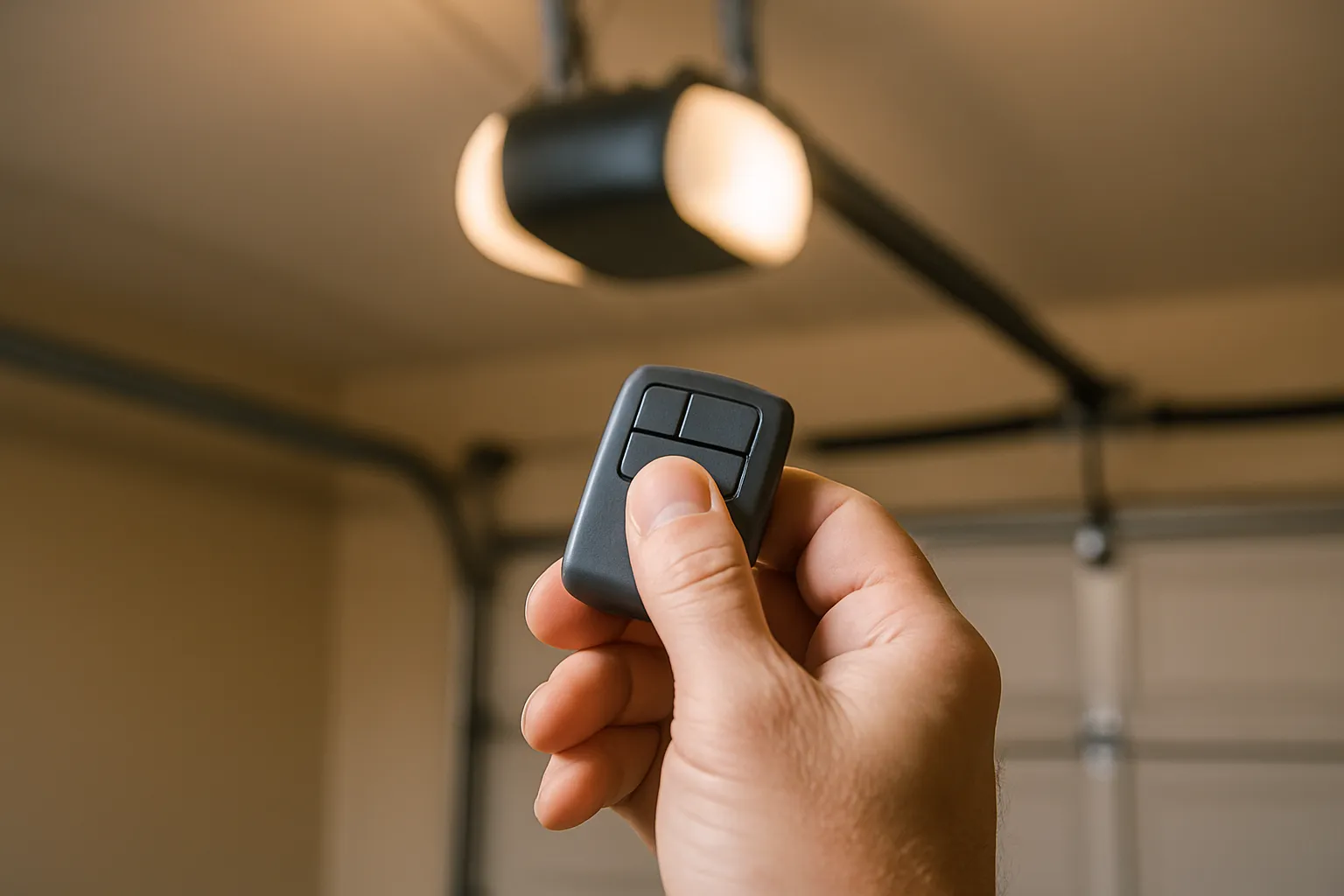
When the wall button still opens the door but the remote or keypad doesn't, the opener itself is fine. You've got a remote-side problem, and it's usually one of two things: a dead battery or lost programming.
Start with the battery, because it's the answer more often than people expect. Pop the remote open and swap in a fresh coin cell (most LiftMaster remotes use a CR2032 or similar). If a new battery doesn't do it, the remote likely lost its pairing and needs to be relearned. LiftMaster uses a learn button on the motor head, and the color varies by model and era: purple, yellow, red-orange, or green depending on whether you have older billion-code, Security+, or Security+ 2.0 rolling code. Press the learn button, watch for the indicator light, then press the remote button within about 30 seconds until the opener light blinks or you hear a click. Keypads follow the same idea but you enter your PIN first. Because the exact sequence depends on your learn button color, follow the steps for your model in our remote programming walkthrough. If the wall button is also dead, that points back toward the opener or its wiring rather than the remote.
The Door Won't Go All the Way Up or Down
If the door stops a foot short of the floor, or reverses before it fully closes, or doesn't open completely, the travel and force limits are probably out of adjustment. Every LiftMaster learns how far to travel and how much force to use, and those settings drift over time as the door, weather stripping, and springs change through the seasons.
When the door hits the floor and bounces back up, the opener thinks it hit an obstruction, so it either needs more down-travel or slightly more down-force. When it stops short of closing, it needs a touch more travel. Most modern LiftMaster heads have small up and down adjustment buttons or dials on the back panel, usually labeled and sometimes marked with plus and minus. Make tiny changes, a quarter turn or a couple button presses at a time, then test. Be careful here: force set too high defeats the safety reversal that protects kids and pets, so if you ever have to crank the force way up to get the door to close, stop. That's a sign the door is binding or the springs are weak, and forcing it is the wrong fix. A tech should look at the door balance instead.
The Motor Runs but the Door Doesn't Move
This one sounds alarming and it's important to read correctly. If you press the button, the motor hums or runs through its full cycle, but the door just sits there or barely twitches, the opener is working fine. The connection between the opener and the door has come apart. Two common causes.
First, the trolley may be disengaged. Every opener has a red emergency release cord that lets you pull the door off the opener carriage so you can operate it by hand during a power outage. If someone pulled that cord, the motor runs the chain or belt back and forth but nothing grabs the door. Re-engaging is usually as simple as pulling the cord back toward the door or running the opener until the trolley clicks back onto the carriage, but do it with the door fully closed.
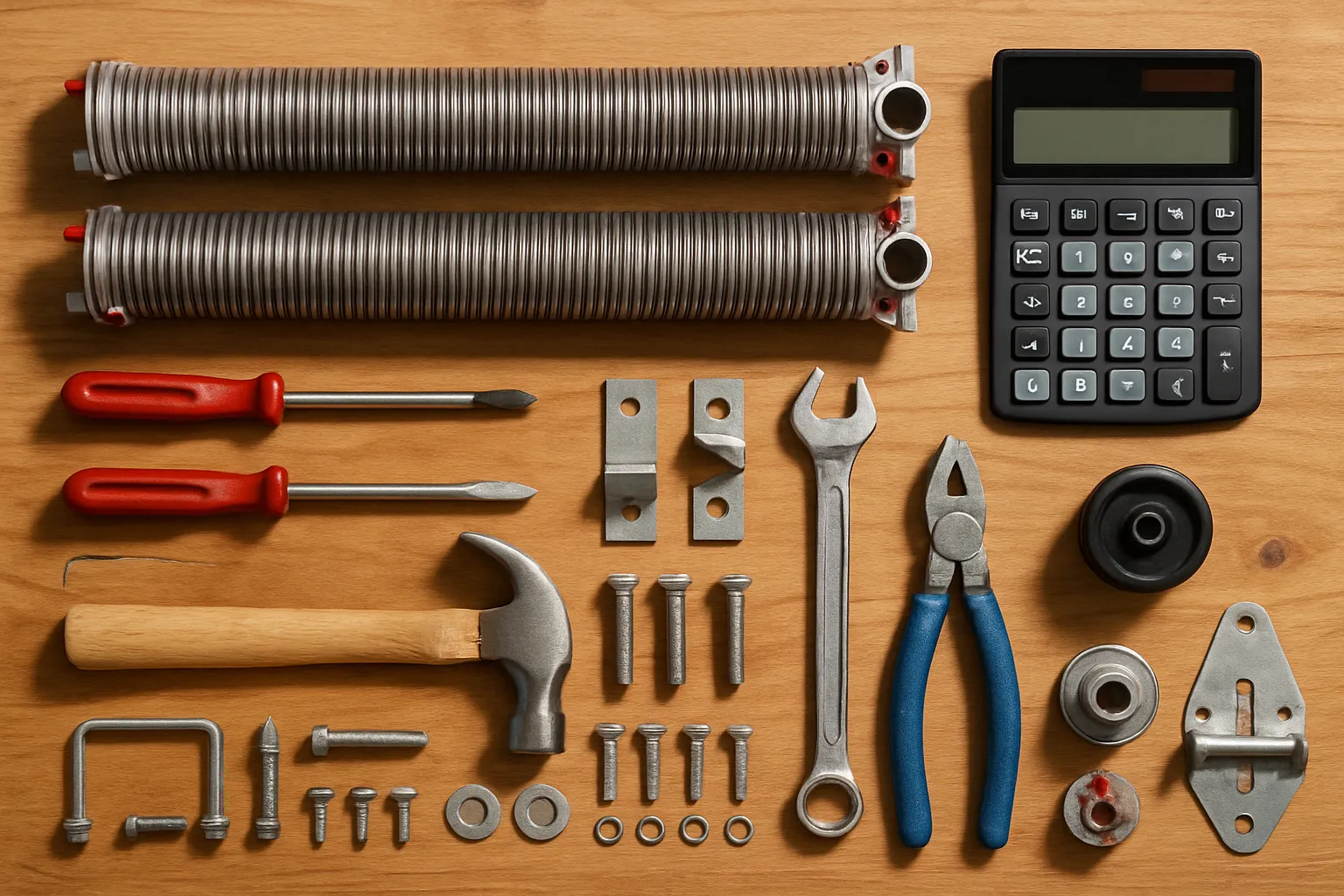
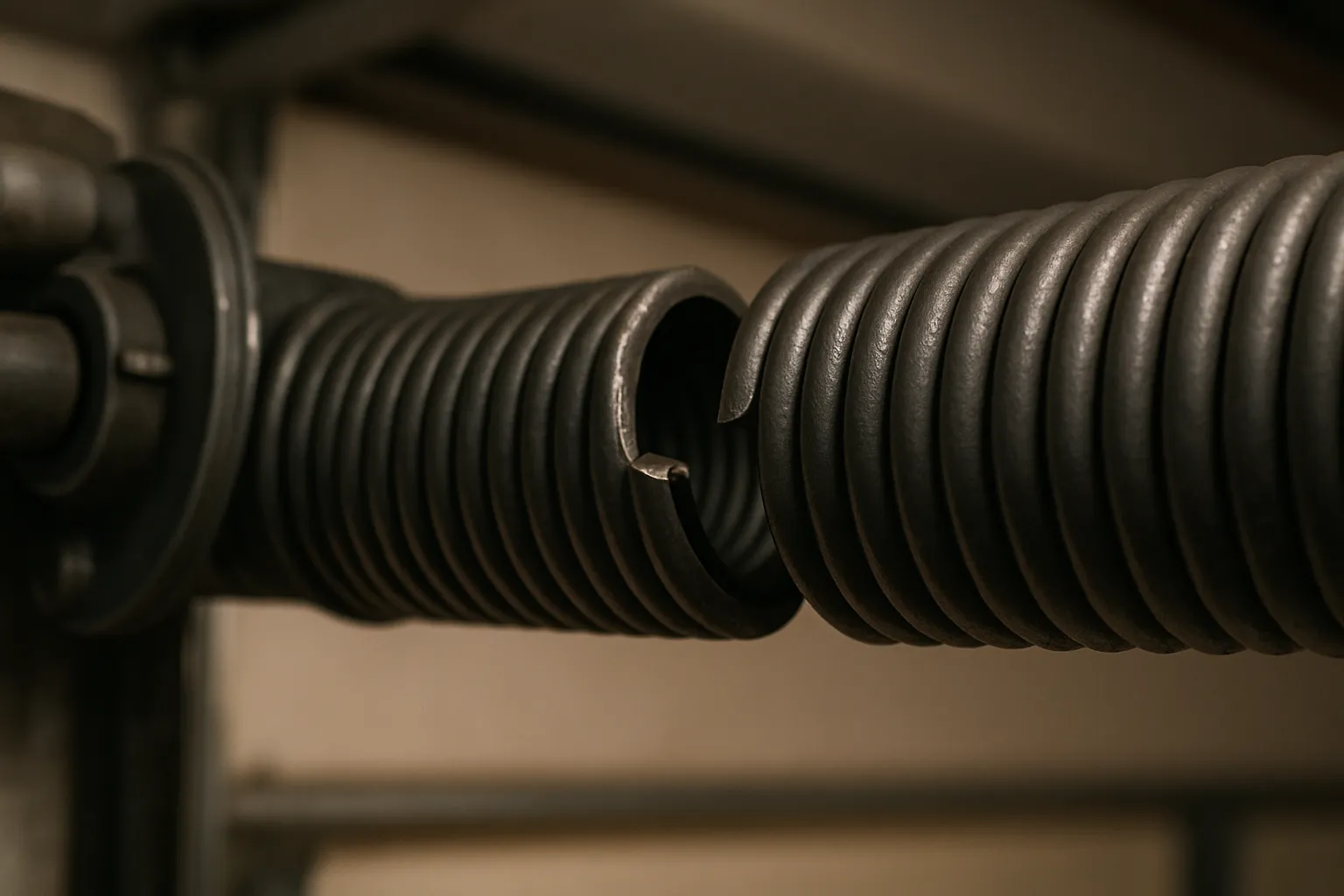
Second, and more serious, a broken torsion spring. If the spring above the door has snapped, the opener motor can't lift the dead weight of the door, which is often 150 pounds or more, and it'll strain, hum, or move the door only an inch. Garage door springs are under enormous tension and are genuinely dangerous to work on without the right tools and training. This is not a DIY job. If you see a gap in the spring coil above the door, or the door feels impossibly heavy when you lift it by hand, call a pro. You can reach us at our Norwalk line, (562) 667-4784, and we'll get a licensed, insured tech out to handle the spring safely.
After a Power Outage, and When myQ Won't Connect
Power blips and PSPS shutoffs are part of life in southeast LA County, and LiftMaster openers usually shrug them off. Sometimes they don't. After an outage a LiftMaster may need a moment to re-recognize the door's travel, and you'll notice it running slower or stopping short on the first cycle or two before it settles. If it's acting confused, unplugging the head for 30 seconds and plugging it back in clears the logic board, which is the reset that fixes most post-outage quirks. If you have a battery backup unit, remember it only lasts through so many cycles, and a long outage can drain it, at which point the door won't run on backup until utility power returns.
The myQ Wi-Fi side is its own animal. If the app can't connect or the door won't show online, the usual culprits are a weak 2.4 GHz signal reaching the garage, a router that changed passwords, or a myQ hub that dropped off the network. Power-cycle the router and the opener, make sure your phone is on the same 2.4 GHz band during setup, and re-run the myQ pairing from the app. Wi-Fi trouble almost never means the opener is broken, so don't let a flaky app convince you to replace a perfectly good unit.
Grinding, Clicking, or a Stripped Drive Gear
If your LiftMaster makes a grinding or whirring noise, the motor runs but the door moves slowly or not at all, and you sometimes find little plastic shavings on the garage floor, you've likely stripped the drive gear. Chain-drive LiftMaster openers use a nylon worm gear inside the motor head, and after years of cycles it wears down and eventually strips its teeth. It's one of the more common internal failures on older units, and honestly it's a sign the opener has put in real service.
Replacing a drive gear kit is doable, but it means opening the motor housing, removing the old gear and sprocket, and setting the new one correctly so the travel relearns properly. If the opener is more than 12 or 15 years old, it's often smarter money to replace the whole unit than to keep rebuilding it, especially since a new opener will bring you into compliance with California's battery backup requirement. Either way, grinding and stripped gears fall squarely under opener repair, and a tech can tell you in a few minutes whether a gear kit or a full replacement is the better call for your setup.
Questions, Answered
Why is my LiftMaster light blinking and the door won't close?
A blinking opener light with a door that reverses is the classic sign of misaligned or blocked photo-eye safety sensors. Clear anything in the door's path, wipe the sensor lenses, and adjust the brackets until both indicator lights glow steady. If they won't stay solid, a wire or sensor may have failed. Our sensor troubleshooting guide covers the full process.
My LiftMaster is completely dead. What should I check first?
Check power before anything else. Test the ceiling outlet with another device, look for a tripped garage breaker, and press reset on any GFCI outlet feeding the circuit. Garage outlets trip more than people realize. If the outlet is confirmed live and the unit is still dead, the internal board may have failed and needs professional repair.
How do I reprogram a LiftMaster remote after the battery died?
Put in a fresh battery first, since a dead cell is the most common cause. If it still won't work, use the learn button on the motor head to re-pair it. The button color varies by model, so the exact steps differ. Follow our remote programming guide for your specific LiftMaster.
The motor runs but my garage door won't move. What's wrong?
The opener is fine, but it has lost its grip on the door. Usually the trolley got disengaged by the red emergency release cord, and re-engaging it fixes things. If instead the motor strains and the door feels extremely heavy, you may have a broken torsion spring, which is dangerous to handle yourself. Call a licensed tech at (562) 667-4784 for spring work.
Do I need to reset my LiftMaster after a power outage?
Often no, but if it acts confused, stopping short or running oddly, unplug the motor head for about 30 seconds and plug it back in to clear the logic board. If you have a battery backup, know that a long outage can drain it, and the door won't run on backup until utility power returns.
Is a grinding noise from my LiftMaster a serious problem?
Grinding with slow or stalled door movement, plus plastic shavings on the floor, usually means a stripped drive gear inside a chain-drive unit. It's repairable with a gear kit, but on an opener over 12 to 15 years old, full replacement is often the better value. A tech can diagnose it quickly under opener repair.
Need Help in Norwalk?
Garage Door Pro Norwalk provides fast, same-day garage door repair across Norwalk, CA and the surrounding area — flat-rate pricing, licensed and insured, with 24/7 emergency service. Landed on this article from a search? Head back to our homepage to see everything we do, or reach out now.