
Garage Door Keypad Not Working? Try These Fixes
Your keypad is the one part of the garage door system that lives outside, taking sun, rain, and Norwalk's damp marine air all year. So when the numbers stop working, it's usually the keypad itself, not the opener. Good news: most keypad problems are cheap and quick to fix at home.
Work through the checks below in order, from the most common cause to the least. Nine times out of ten it's a dead battery. The rest of the time it's a lost sync, a stuck button, or corrosion from our coastal humidity. Let's rule them out one at a time.
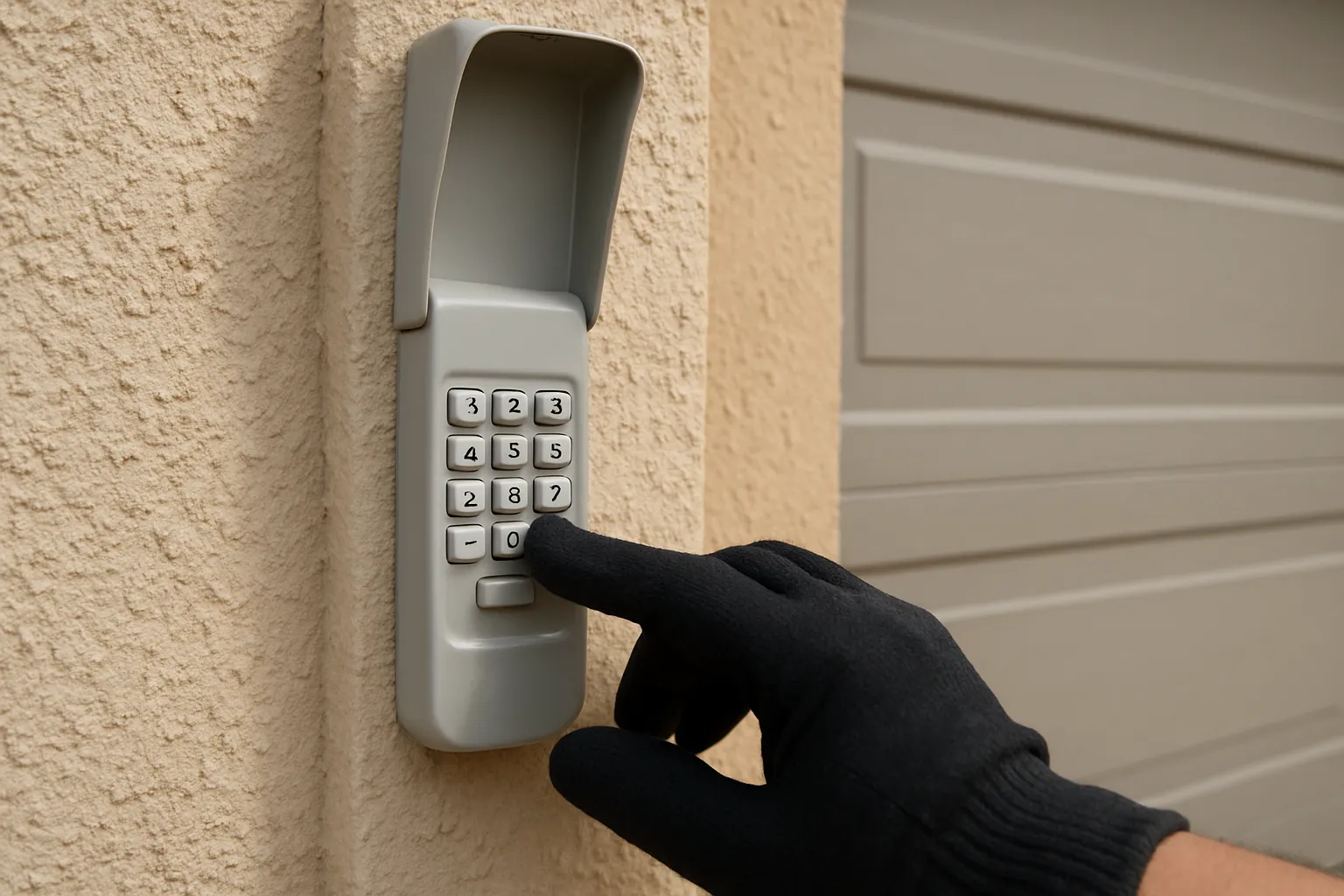
First Suspect: A Dead Keypad Battery
Wireless keypads run on a small battery, and it's the number one reason they quit. The tell-tale signs: the buttons don't light up when you press them, the backlight is dim or flickers, or the keypad worked yesterday and is dead today with no other changes.
Here's how to swap it:
- Find the battery cover. Most keypads flip up or slide open, or the whole unit lifts off a mounting bracket. Some have a small screw on the back or bottom.
- Note the battery type. Most take a 9-volt, a 12-volt A23, or a couple of AAA or CR2032 coin cells. Check what's inside before you buy.
- Swap in a fresh one. Match the plus and minus ends exactly. A battery in backwards acts identical to a dead one.
- Wipe the contacts. While it's open, clean the metal battery terminals with a dry cloth. More on why that matters below.
- Close it up and test. Enter your PIN. The buttons should light and the door should move.
Keep in mind our climate is hard on batteries. The heat-then-cool cycle of a marine-layer morning into a hot afternoon drains them faster than a battery living indoors. If yours dies every few months, that's the outdoor mounting, not a defective keypad.
Worn or Stuck Buttons
If some numbers register and others don't, or a button feels mushy and sticks down, the keypad has physical wear. The rubber membrane under each key breaks down after years of pressing, and grit works its way under the buttons.
- Press each number slowly and watch or listen for a response. A key that never reacts is worn out.
- Look for a stuck key. One button held down can jam the whole pad, since the keypad thinks you're mid-entry.
- Clean around the edges. Blow out dust and wipe the face. Don't soak it, and don't pry keys off.
Once the membrane is worn through, there's no real fix. A worn keypad is a replacement, and it's an inexpensive part, covered further down.
Corroded Contacts From Norwalk's Damp Air
This one is specific to where we live. Norwalk sits at 90650, close enough to the coast that morning marine layer settles in and evening moisture creeps into anything mounted outdoors. Over a few years that damp air corrodes the battery terminals and the tiny internal contacts inside a keypad.
Corrosion looks like white or greenish crust on the battery springs, or a chalky film on the metal. It interrupts the power the same way a dead battery does, so a keypad can act dead even with a brand-new battery installed.
To check it: open the battery compartment and inspect the terminals. Light corrosion can be scrubbed off with a dry toothbrush or a pencil eraser until the metal is shiny again. Heavy corrosion that's eaten into the springs means the keypad is done. If your garage faces the prevailing damp side of the house or has poor weather sealing, expect keypads to corrode sooner than the ones on drier inland streets.
Lost Sync: The Keypad Needs Reprogramming
If the buttons light up fine but the door won't respond, the keypad has probably lost its sync with the opener. This happens after a battery change on some models, after a power surge, or seemingly on its own. Modern openers use rolling-code security, and once the code handshake drops, you have to pair them again.
The general process is the same across Chamberlain, LiftMaster, Genie, and Craftsman, though the exact button names vary by model, so keep your manual handy:
- Find the learn button on the motor unit. It's on the back or side of the opener up on the ceiling, usually near the antenna wire, often under a light cover. It's a small colored button (LiftMaster and Chamberlain are commonly yellow, red, purple, or orange; Genie and Craftsman vary).
- Press and release the learn button. An LED next to it will light up. You now have about 30 seconds to finish the next step.
- Enter your PIN on the keypad, then press the enter or send key (some models have you hold it). The opener light should blink or click to confirm it learned the code.
- Test the door. Enter your PIN and it should move.
If you need to set a brand-new PIN, the keypad usually has its own programming sequence printed in the manual for that. The learn-button step above is what ties the keypad to the opener. Our remote programming guide walks through the same learn button for handheld remotes if you're pairing those too.
Wrong PIN, Out of Range, or a Damaged Keypad
A few more things worth ruling out before you replace anything:
- Wrong PIN. It sounds obvious, but if someone reset the code or you're mixing up two garages, you'll enter valid keystrokes that do nothing. Many keypads lock out briefly after several wrong tries, so wait a minute and re-enter carefully.
- Out of range. Keypads have a shorter range than car remotes. If it only works when you're standing right at the door, or intermittently, the signal is weak, which can also point to a fading battery or a weak antenna wire on the opener.
- Physical damage. A cracked case that let water in, a faceplate baked brittle by years of sun, or a keypad that took a knock can all fail internally. If it's visibly beat up, don't spend time troubleshooting.
- Opener learn-button issue. Rarely, the fault is the opener, not the keypad. If a remote also won't pair and the wall button works, the opener's logic board or antenna may be the problem, which is an opener repair job rather than a keypad swap.
When to Replace the Keypad
Replace the keypad when the buttons are worn through, the case is cracked, or corrosion has eaten the contacts past cleaning. A wireless keypad is one of the cheapest parts in the whole system, often in the $25 to $50 range for a compatible unit, so it rarely pays to fight a dying one.
Buy one made for your opener brand, or a universal keypad that lists your brand as compatible. Installation is simple: mount it near the door, install the battery, and run the learn-button pairing steps above. When you set it up, mount it under an eave or add a little weather cover if you can, so our damp air has a harder time getting in and you buy yourself a few extra years.
If you've swapped the battery, cleaned the contacts, and reprogrammed it and the door still won't respond, the trouble is likely inside the opener. That's where we come in. Call (562) 667-4784 and we'll get your keypad, remotes, and opener talking again, or handle a full opener repair if the motor unit is the real culprit. You can also reach us through our contact page.
Questions, Answered
Why did my garage keypad stop working out of nowhere?
Almost always a dead battery. Wireless keypads run on a small 9-volt, A23, or coin-cell battery, and it drains faster on an outdoor keypad exposed to Norwalk's heat and marine-layer moisture. Swap the battery first. If a fresh one doesn't help, check the contacts for corrosion and then try reprogramming the keypad to the opener.
How do I reprogram my keypad after changing the battery?
Press the learn button on the motor unit up on the ceiling (a small colored button near the antenna wire), then within about 30 seconds enter your PIN and press enter on the keypad. The opener light will blink to confirm. Exact steps vary by brand, so check your manual, but the learn button is the key to every model.
Can Norwalk's humid air really damage a garage keypad?
Yes. Norwalk sits close enough to the coast that morning marine layer and evening damp settle into anything outdoors. Over a few years that moisture corrodes the battery terminals and internal contacts, which makes a keypad act dead even with a good battery. Light corrosion scrubs off with a dry toothbrush or pencil eraser; heavy corrosion means replacement.
How much does a new garage door keypad cost?
A compatible wireless keypad is one of the cheapest parts in the system, usually around $25 to $50. Buy one matched to your opener brand or a universal model that lists your brand as compatible. Installation is a simple mount, battery, and learn-button pairing you can do yourself.
The buttons light up but the door still won't open. What's wrong?
If the keypad has power but the door won't move, it has usually lost sync with the opener, so reprogram it using the learn button. If a remote also fails to pair and only the wall button works, the problem may be inside the opener itself. Call us at (562) 667-4784 and we'll diagnose it.
Need Help in Norwalk?
Garage Door Pro Norwalk provides fast, same-day garage door repair across Norwalk, CA and the surrounding area — flat-rate pricing, licensed and insured, with 24/7 emergency service. Landed on this article from a search? Head back to our homepage to see everything we do, or reach out now.